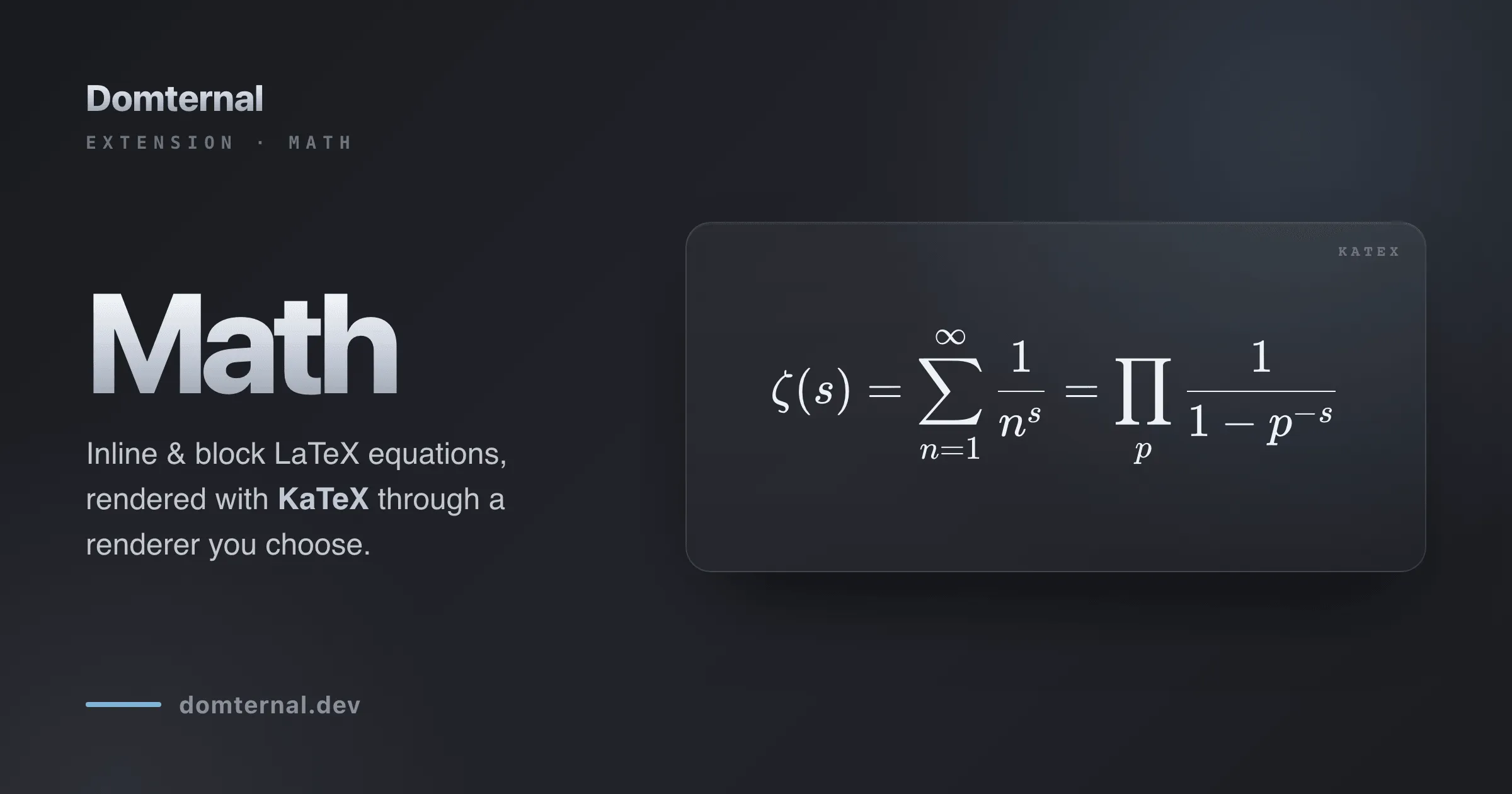
Math in a rich text editor usually arrives as a package deal: install the math extension and a few hundred kilobytes of KaTeX come along with it, wired in and non-negotiable. That is fine right up until you already ship a different math engine, render equations on the server, or simply don’t want a second copy of one sitting in your bundle.
@domternal/extension-math takes the other path. It adds two equation nodes, one inline and one block, and renders them through a renderer you pass in. KaTeX is the default and the one I’d reach for, but the package itself bundles no math engine at all. Here’s how that works, and how it feels to write equations with it.
The cost of “just bundle KaTeX”
Bundling the engine is the easy thing to do, and it makes two decisions for you that aren’t always yours to make. It picks the rendering library, and it picks the version. If your app already loads MathJax for its docs, or you pre-render equations to SVG on the server and only need the editor to display them, a math extension with KaTeX welded in is now a duplicate dependency you can’t remove.
Domternal already had this shape elsewhere. @domternal/extension-code-block-lowlight doesn’t bundle a syntax highlighter; you hand it a lowlight instance. The math extension follows the same rule: you bring the engine, the package stays small, and a build that never inserts an equation pays nothing for the feature.
A node that renders through a renderer you supply
The whole contract is one method:
interface MathRenderer { renderToString(latex: string, options: { displayMode: boolean }): string;}Give the nodes anything that turns a LaTeX string into an HTML string and they’ll render it. displayMode is true for block equations and false for inline, so the same renderer handles both. For KaTeX there’s an adapter in the box:
import katex from 'katex';import { MathInline, MathBlock, createKatexRenderer } from '@domternal/extension-math';
const renderer = createKatexRenderer(katex);
// then: MathInline.configure({ renderer }), MathBlock.configure({ renderer })
createKatexRenderer defaults to output: 'htmlAndMathml' (more on why in a moment) and throwOnError: false, so a typo renders a readable error node instead of throwing inside a transaction. Want a different engine? Implement the one method:
const mathjaxRenderer = {  renderToString(latex, { displayMode }) {    return renderWithMathJax(latex, { display: displayMode }); // returns an HTML string  },};
MathInline.configure({ renderer: mathjaxRenderer });
A server-rendered image, a WASM typesetter, MathJax: if it returns markup, it works. And if you pass no renderer at all, the nodes still store and round-trip LaTeX faithfully, they just show the raw source until you give them something to render with.
Authoring: the way you’d type it anyway
The fastest way to write an equation is to not reach for a menu. Type $x^2$ and the closing $ turns the span into an inline equation. Type $$ at the start of a line and you get a block equation with its editor already open. Both are the LaTeX muscle memory people already have.
If you prefer a menu, both nodes register in the slash command and the floating menu under an Advanced group, matched by math, latex, equation, and formula, and both have toolbar buttons: a radical for inline, a sigma for block. There’s no wrong door.
Turn text you already typed into an equation
Often the formula is already on the page as plain text, because you typed it before you thought to make it an equation. Select it, and the inline-equation action in the bubble menu turns the selection into its LaTeX source, the same Notion-style “promote what I selected” gesture you get for links:
Under the hood that’s just insertMathInline() with no argument and a non-empty selection: the selected text becomes the latex. Pass a string instead and it inserts that.
Editing: a popover with a live preview
A rendered equation is opaque by design, the LaTeX isn’t sitting there as editable text, so editing needs a way back to the source. Click any equation (or select it and press Enter) and a small popover opens: a LaTeX textarea on top, a live preview below that re-renders as you type, using the very same renderer the document uses.
The popover commits the way you’d expect text to: Enter applies, Shift+Enter adds a newline for multi-line LaTeX, clicking away or tabbing out applies on blur, and Escape cancels. Two smaller things make it feel finished. An empty value on apply deletes the node, so clearing an equation removes it instead of leaving a blank box. And an equation you just inserted but then cancel out of is removed too, so a stray $$ never strands an empty “New equation” placeholder in your document. When you apply, the node’s position is re-checked against the live document first, so an edit can never land on the wrong node after the text around it has shifted.
Inline and block, both just LaTeX
Both nodes are atoms: the LaTeX lives in a latex attribute, serialized to data-latex, and the visual math is produced by the node view. Nothing about the rendered HTML is the source of truth, so the document stays clean and portable:
{ "type": "mathBlock", "attrs": { "latex": "\\int_0^1 x^2\\,dx = \\tfrac{1}{3}" }}Inline equations live inside a paragraph as a <span data-type="math-inline">; block equations are draggable, centered, full-width <div data-type="math-block">. Copy an equation to plain text and it comes out as $...$ or $$...$$, the delimiters it was born from.
Accessible by default
Typeset math is notoriously hostile to screen readers and to right-to-left documents, so the defaults lean the safe way.
The KaTeX adapter ships with output: 'htmlAndMathml', so every equation carries a hidden MathML annotation alongside the visual glyphs, which is what assistive technology actually reads. Editing has a keyboard path that mirrors the mouse one: a selected equation opens the same popover on Enter that a click would (WCAG 2.1.1). And because LaTeX is inherently left-to-right, the theme isolates math with direction: ltr; unicode-bidi: isolate, so placeholders, raw source, and error states stay readable inside an RTL document instead of scrambling.
Setting it up
Install the extension next to your engine, and import the engine’s stylesheet once (KaTeX owns the glyph typography; the Domternal theme only styles the wrapper, the states, and the edit popover):
pnpm add @domternal/extension-math kateximport katex from 'katex';import 'katex/dist/katex.min.css';import { Editor, Document, Paragraph, Text } from '@domternal/core';import { MathInline, MathBlock, createKatexRenderer } from '@domternal/extension-math';
const renderer = createKatexRenderer(katex);
new Editor({ element: document.querySelector('#editor'), extensions: [ Document, Paragraph, Text, MathInline.configure({ renderer }), MathBlock.configure({ renderer }), ],});The edit popover is added for you: both nodes pull in a shared MathEditing extension, deduplicated, so a single popover serves inline and block alike. The same setup works through the React, Vue, Angular, and vanilla wrappers; the Math docs have a tab for each.
Shipping in 0.10.0
@domternal/extension-math is new in 0.10.0. The same release renamed @domternal/extension-block-menu to @domternal/extension-block-controls to better describe what it does (the drag handle, slash menu, and block context menu, not just a menu); the old package name keeps working as a deprecated re-export shim until v1.0.0, so nothing breaks today. The full list is in the changelog.
- Math node documentation - schema, options, commands, the renderer interface, and per-framework setup
- Code Block Lowlight - the same bring-your-own-engine pattern, for syntax highlighting
- GitHub - MIT licensed, issues and stars welcome
If you wire it up to an engine other than KaTeX, I’d genuinely like to see it. The renderer interface is one method on purpose, and the more engines it’s proven against, the better.