If you’ve ever tried to add a rich text editor to an Angular app, you know how it goes.
You find a library. It’s a wrapper around a React-first editor. You install it, import some module, and it kind of works. Then you need tables. That’s a paid feature. You need it to work with OnPush change detection. It doesn’t. You try ::ng-deep to fix the styling. It works until it doesn’t. You check the GitHub issues and the Angular wrapper hasn’t been updated in months.
I’ve been through this cycle on every Angular project I’ve worked on. After years of dealing with it, I finally built the thing I kept wishing existed.
What I built
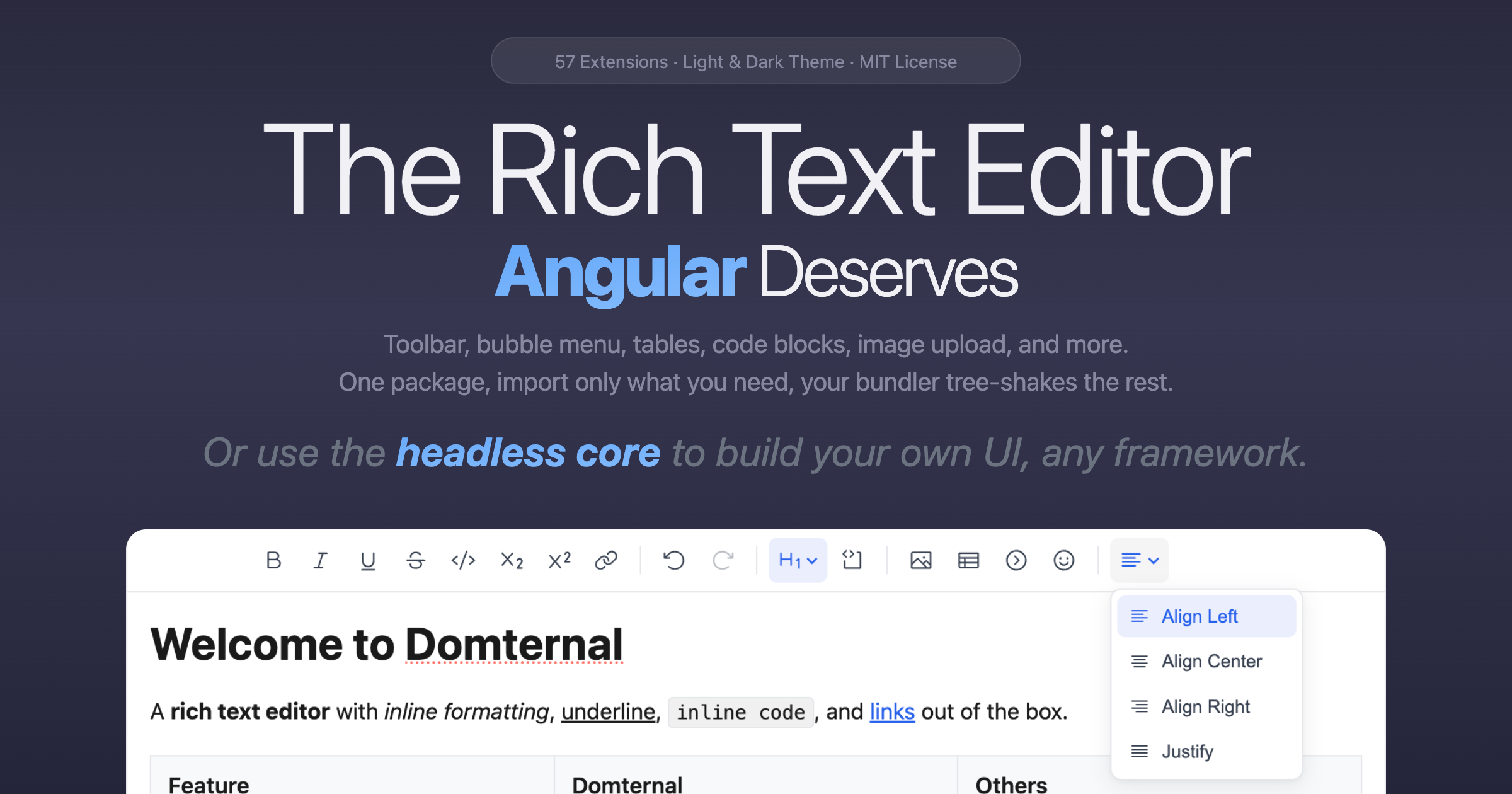
Domternal is a headless rich text editor with native Angular components. Not a thin wrapper around a React-first editor. A purpose-built editor engine on top of ProseMirror, with native Angular components from the ground up. Signals, OnPush, standalone architecture, and reactive forms out of the box.
It ships as 10 npm packages under the @domternal scope. The core is framework-agnostic and fully headless, so it works without Angular too. React and Vue wrappers are planned.
Why the existing options didn’t work
I looked at everything out there. Here’s what I found:
Community wrappers (ngx-tiptap, ngx-quill) are thin bindings around libraries built for other frameworks. They don’t use Angular’s change detection properly, they require ViewEncapsulation.None hacks for styling, and features that depend on framework-specific renderers simply don’t work in Angular.
Existing Angular editors (like ngx-editor) are solid ProseMirror-based options for simpler use cases, but they weren’t designed for the level of extensibility and Angular integration I needed: Signals-driven reactivity, auto-rendering toolbars, and a large extension ecosystem.
Commercial editors (CKEditor, TinyMCE, Kendo UI) either wrap framework-agnostic JavaScript with Angular bindings, or require expensive licenses and buying entire UI suites just to get a text editor. The pricing adds up fast, especially for small teams and startups.
Meanwhile, React developers have TipTap (35K+ stars), Plate, BlockNote, Lexical, and Remirror, all free, well-maintained, and community-driven. Angular developers have been making do with workarounds for years.
What makes Domternal different
5 Angular components: editor, toolbar, bubble menu, floating menu (in progress), and emoji picker. All built with Signals, OnPush, and standalone components. No NgModules, no ::ng-deep, no fighting the framework.
Tables are free. Cell merge/split, column resize, cell styling, cell toolbar: 18 table commands total, all MIT licensed. These are features that other editors commonly put behind paid tiers.
The toolbar auto-renders based on your extensions. You add an extension, the corresponding toolbar button appears. No manual wiring, no configuration files. It just works.
57 extensions across 10 packages: headings, lists, code blocks with syntax highlighting, images (paste/drop upload), emoji with picker and suggestions, accordion/details, text color, font size, and more.
Lightweight and tree-shakeable. The core engine is ~38 KB gzipped on its own (47 extensions, toolbar, bubble menu, and floating menu included), ~108 KB with ProseMirror. Additional extensions like tables, images, and emoji are separate packages. Import only what you need and your bundler drops the rest. See the full bundle size breakdown.
4,200+ tests: 2,675 unit tests and 1,550 E2E tests across 34 Playwright specs. An editor without tests is an editor you can’t trust.
100% TypeScript, zero any. Every type is explicit. Every extension is fully typed. Every command has proper type inference.
Schema conflict detection: if you accidentally register two extensions with the same name (common when using StarterKit alongside individual extensions), Domternal throws a clear error instead of silently letting the last one win.
Quick setup
Here’s a minimal Angular example:
pnpm add @domternal/core @domternal/angular @domternal/themeimport { Component, signal } from '@angular/core';import { DomternalEditorComponent, DomternalToolbarComponent,} from '@domternal/angular';import { Editor, StarterKit } from '@domternal/core';
@Component({ selector: 'app-editor', imports: [DomternalEditorComponent, DomternalToolbarComponent], template: ` @if (editor(); as ed) { <domternal-toolbar [editor]="ed" /> } <domternal-editor [extensions]="extensions" [content]="content" (editorCreated)="editor.set($event)" /> `})export class EditorComponent { editor = signal<Editor | null>(null); extensions = [StarterKit]; content = '<p>Hello world</p>';}Add the theme import to your styles and you’re done:
@use '@domternal/theme';See the full Angular example on StackBlitz with all extensions, toolbar, and bubble menu, or read the Getting Started guide.
No framework? No problem.
The core is fully headless and works without any framework:
pnpm add @domternal/coreimport { Editor, Document, Text, Paragraph, Bold, Italic, Underline,} from '@domternal/core';
const editor = new Editor({ element: document.getElementById('editor')!, extensions: [Document, Text, Paragraph, Bold, Italic, Underline], content: '<p>Hello <strong>Bold</strong>, <em>Italic</em> and <u>Underline</u>!</p>',});Import only what you need for full control and zero bloat. Use StarterKit instead for a batteries-included setup with headings, lists, code blocks, history, and more.
See the full Vanilla TS example on StackBlitz with toolbar, bubble menu, and all extensions, or read the Getting Started guide.
The numbers
| Domternal | |
|---|---|
| Angular components | 5 (editor, toolbar, bubble menu, floating menu (in progress), emoji picker) |
| Extensions | 57 across 10 packages |
| Nodes | 23 |
| Marks | 9 |
| Commands | 140+ |
| Tests | 4,200+ (2,675 unit + 1,550 E2E) |
| Core engine size | ~38 KB gzipped (47 built-in extensions + toolbar + bubble menu + floating menu) |
| Core package size | ~108 KB gzipped (engine + ProseMirror) |
| Tree-shaking | Import only what you need, unused code is eliminated at build time |
| TypeScript coverage | 100%, zero any |
| Table commands | 18 (merge, split, resize, styling, all free) |
| License | MIT |
Try it now
Website: domternal.dev
Docs: domternal.dev/v1/getting-started
Packages & Bundle Size: domternal.dev/v1/packages
GitHub: github.com/domternal/domternal
StackBlitz (Angular): stackblitz.com/edit/domternal-angular-full-example
StackBlitz (Vanilla TS): stackblitz.com/edit/domternal-vanilla-full-example
What’s next
The core is headless and framework-agnostic, so React and Vue wrappers are on the roadmap. Post-MVP extensions like embeds (YouTube/video/audio), math (LaTeX/KaTeX), drag handles, and find & replace are planned based on community demand.
This is v0.2.0. The editor is stable, tested, and ready to use. I’m still working on polishing the documentation and cleaning up some rough edges. Once that’s done, I’ll release v1.0.0. In the meantime, I’d genuinely appreciate any feedback on the API design, docs, or anything that could be better.
What’s been your biggest pain point with rich text editing in Angular? I’d love to hear about it in the comments.